
Adaptive Mapping
A faster mapping path that responds to the orientation of the selected geometry.
Texture Transform / UMM 2027
Every detail, refined.
Position, rotate, and scale your textures directly in SketchUp. Explore mapping workflows and inspect UVs, starting from textured faces, a group, or a component.
Expanded in 2027
Start Texture Transform by selecting one or multiple faces with a textured material assigned, or select a group or component. UMM finds eligible textured faces in your selection so you can refine their mapping directly in your model.
Shared faces stay linked. Review the affected scope before including shared faces; UMM does not automatically make groups or components unique.
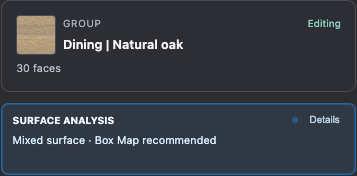
Mapping Systems
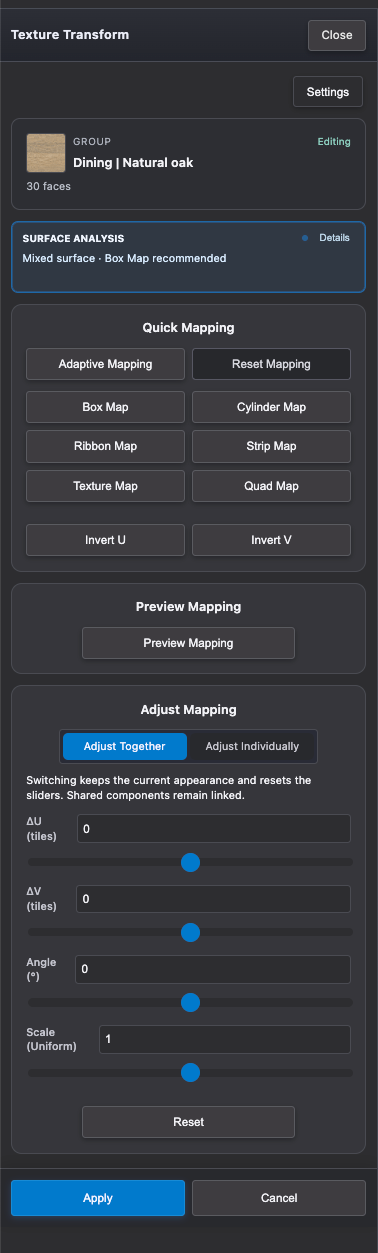
Purpose-built mapping modes for architectural surfaces, roads, walkways, trims, and repeatable texture setup.
A faster mapping path that responds to the orientation of the selected geometry.
Return selected surfaces to a clean mapping baseline before trying another workflow.
Follow long continuous runs such as walkways, roads, paths, and site markings.
Clean texture flow for curved walls, trims, fascias, edges, and similar strip-like forms.
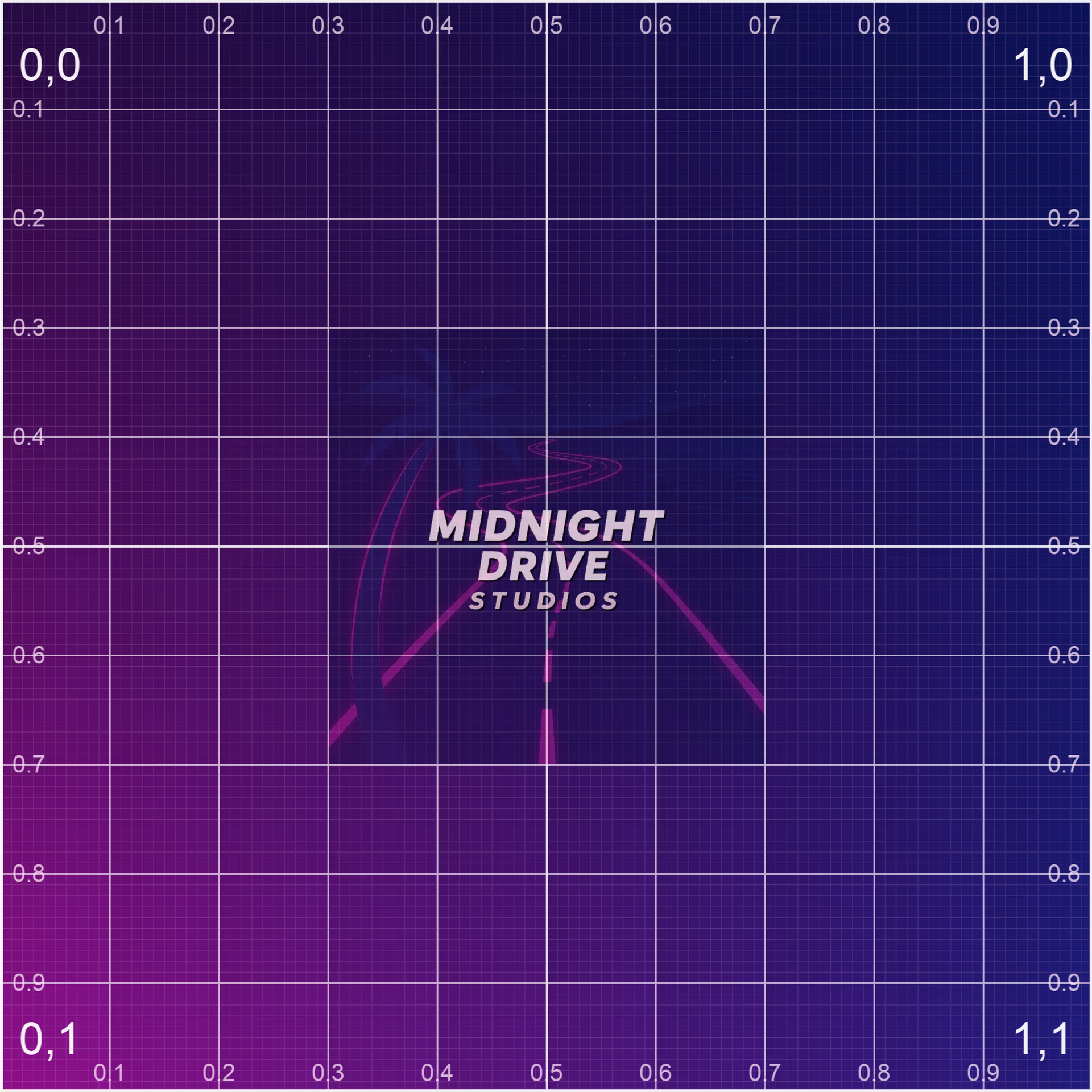
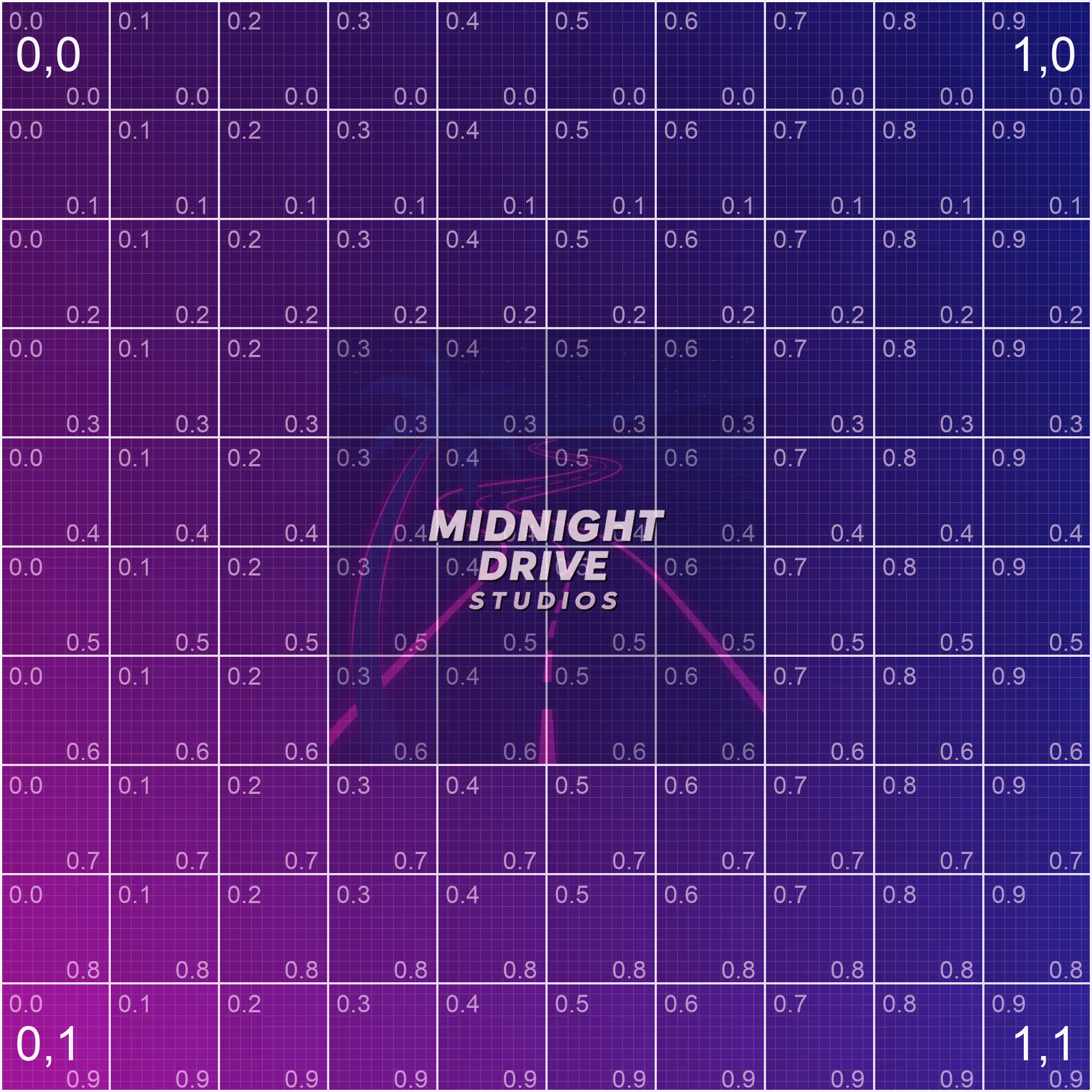
UV Visualization
Inspect scale, rotation, and surface flow before committing to a mapping strategy.
Quick orientation checks for everyday surface edits.
Higher-detail inspection for scale, rotation, and seams.
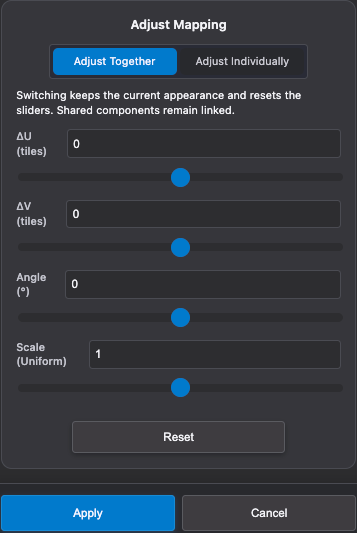
Texture Transform
Adjust UVs with intuitive controls that stay close to the material workflow.
Refine the selected surfaces together with one set of controls.
Adjust each selected face individually. Shared components remain linked.
Tune position, rotation, and scale live.
Part of Ultimate Material Manager
Explore the rest of UMM 2027 and see how the tools work together.