
Explore different looks.
Create and switch between material configurations with a click. No need to repaint your model each time.
Material Variants / UMM 2027
One model. More possibilities.
Create and switch between material configurations directly in SketchUp. Every variant applies real material assignments and texture positioning to your model, ready for your next step.
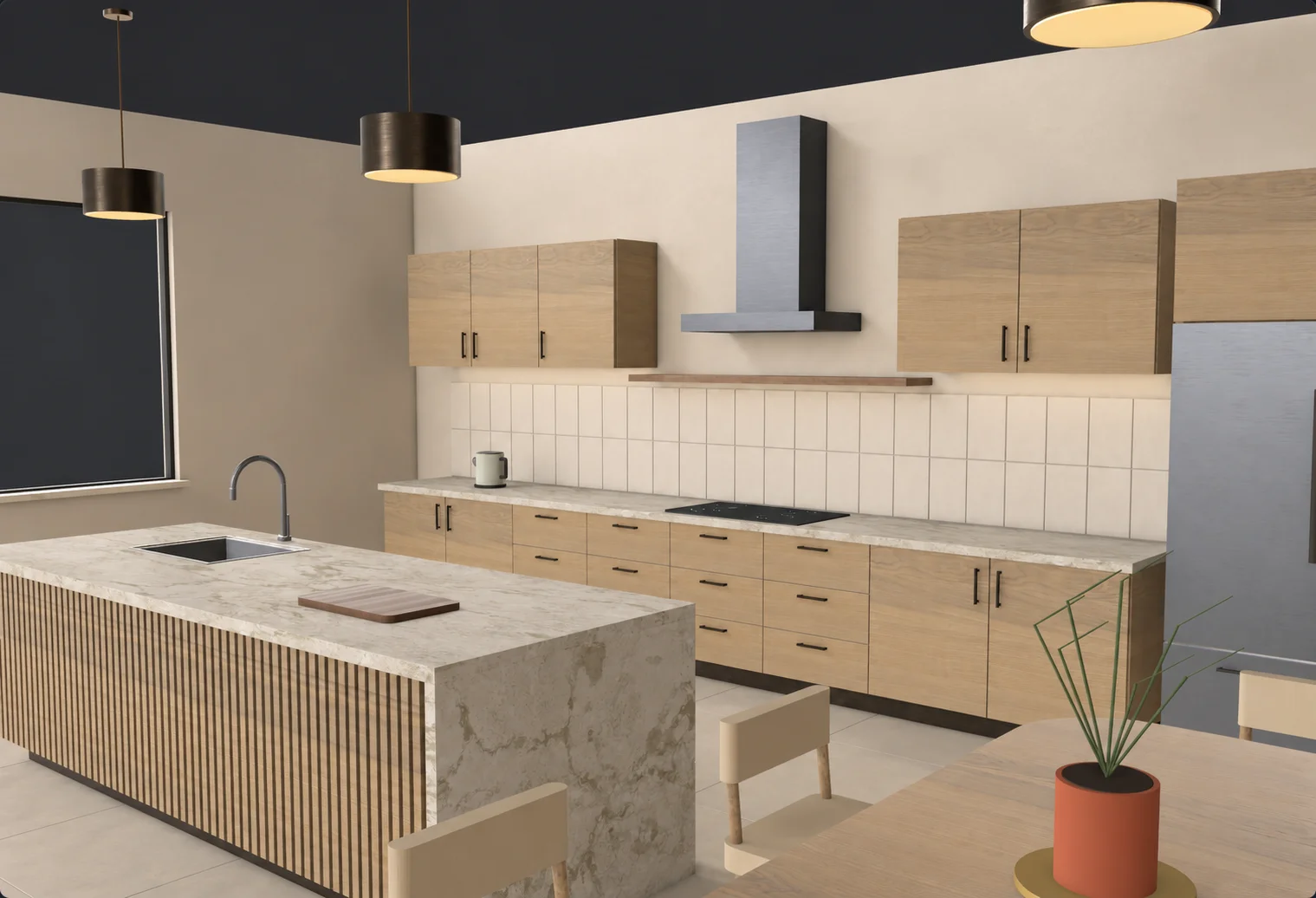
A simplified demo of Material Variants. Explore the full toolset in UMM for SketchUp.
Create and switch between material configurations with a click. No need to repaint your model each time.
Your variants are stored directly in the SketchUp file, so your material options are still there when you reopen the project.
Anyone can open the model with its saved materials. Teammates with UMM can switch variants and continue working.
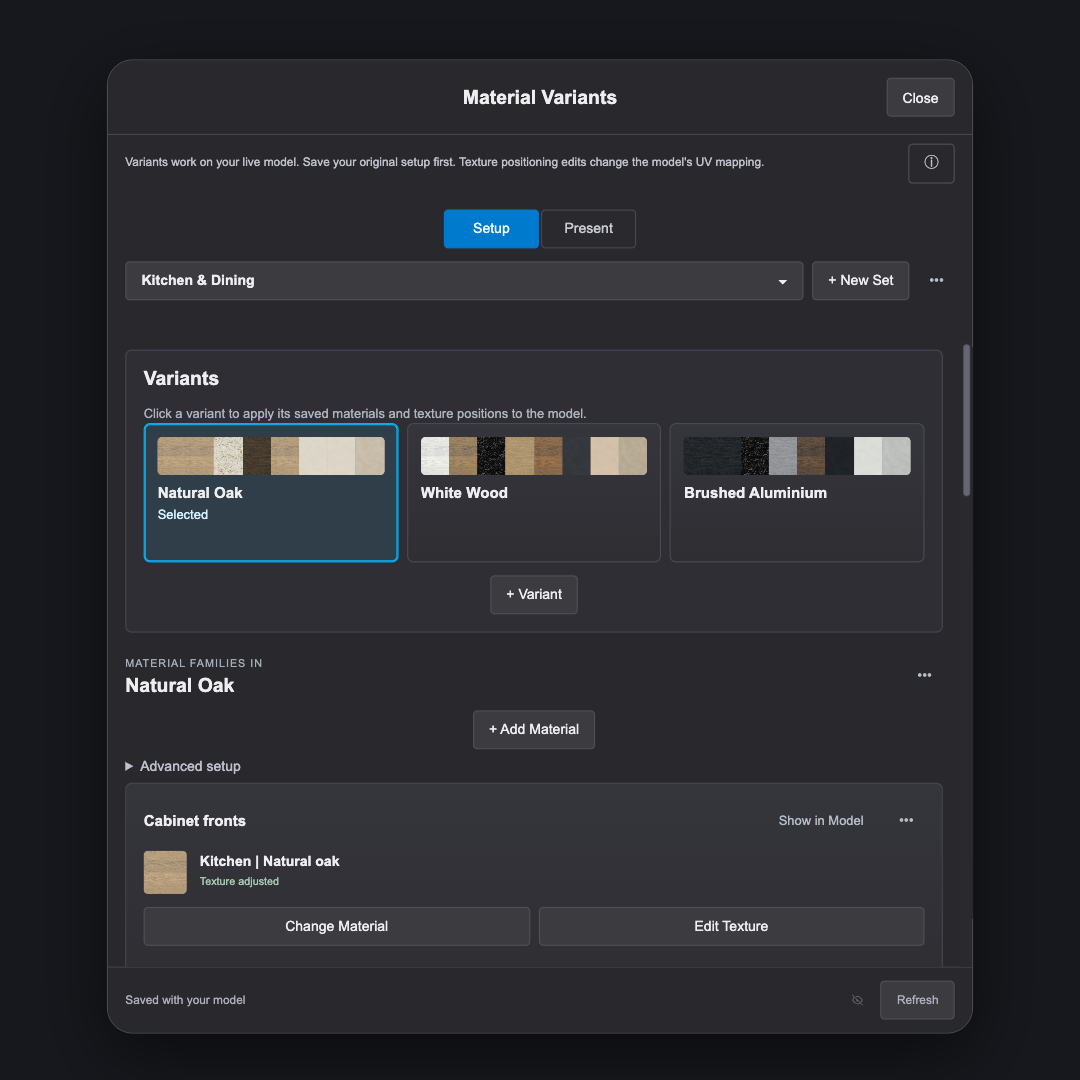
From first idea to presentation
Build material families for the parts of your design that belong together. Save a starting scheme, create alternatives, and compare them in Present mode.
Part of Ultimate Material Manager
Explore the rest of UMM 2027 and see how the tools work together.