
Explore different looks.
Create and switch between material configurations with a click. No need to repaint your model each time.
UMM Early Access
Explore different looks. Work with real materials.
Create and switch between material configurations directly in SketchUp. Every variant applies real material assignments and texture positioning to your model, ready for your next step.
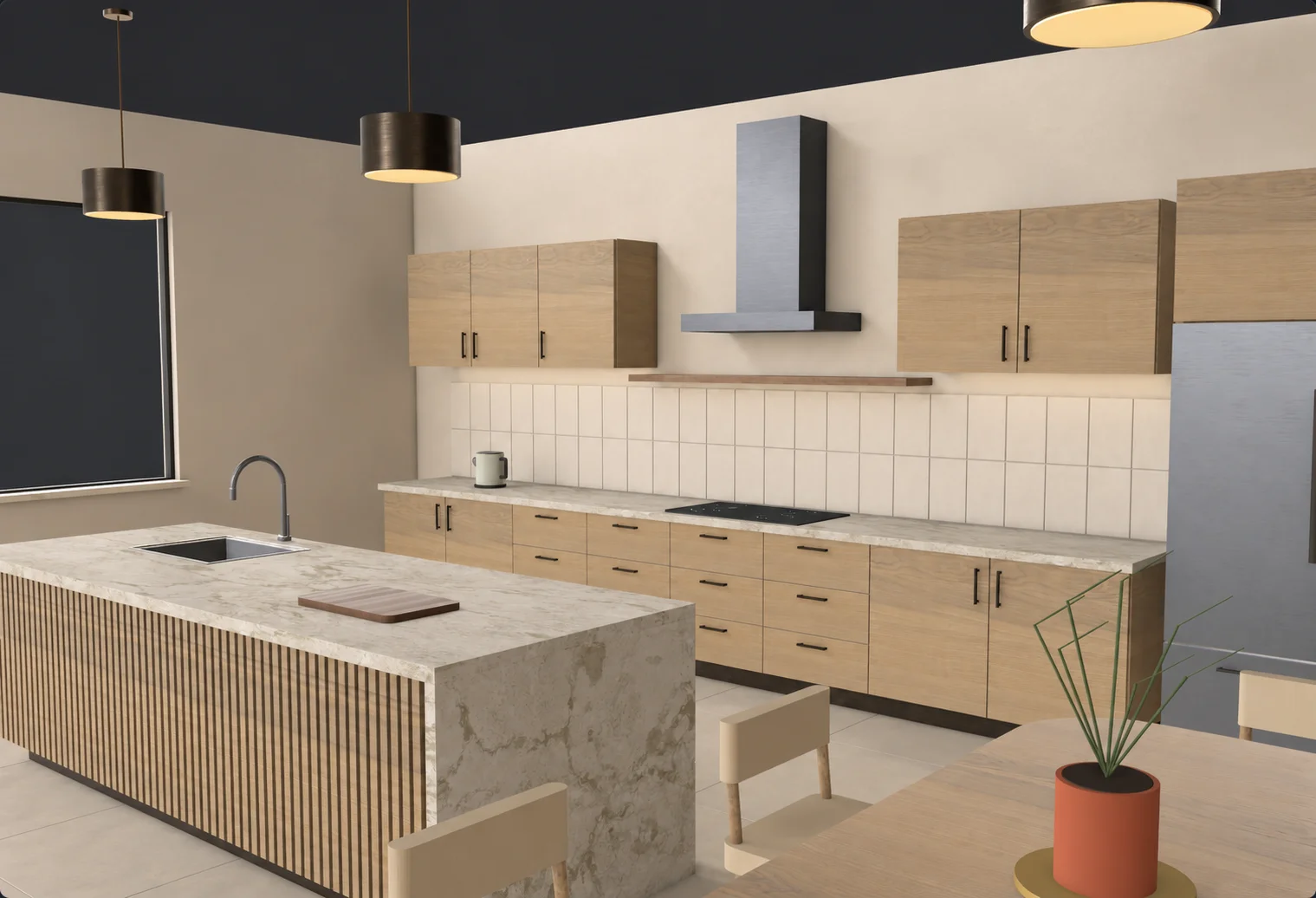
A simplified demo of Material Variants. Explore the full toolset in UMM for SketchUp.
Create and switch between material configurations with a click. No need to repaint your model each time.
Your variants are stored directly in the SketchUp file, so your material options are still there when you reopen the project.
Anyone can open the model with its saved materials. Teammates with UMM can switch variants and continue working.
Try the tools in a dedicated SketchUp demo scene. Get started in three simple steps:
SHA-256 checksum
5b354bfecc7dcafe23b66463bc5e37355501764bc91bf6a3a14292a86f5cc00bA license is required to use UMM on your own projects.